Tampilkan postingan dengan label STRATEGY. Tampilkan semua postingan

Kamis, 16 Februari 2012

Battlefield 3

 http://www.topshotta.com/wp-content/uploads/2011/11/Battlefield-3-Wallpaper-image.jpg


Battlefield 3 leaps ahead of its time with the power of Frostbite 2, the next instalment of DICE’s cutting-edge game engine. This state-of-the-art technology is the foundation on which Battlefield 3 is built, delivering enhanced visual quality, a grand sense of scale, massive destruction, dynamic audio and incredibly lifelike character animations.
 
Image
Image
Frostbite 2  Battlefield 3 introduces Frostbite 2, the incredible
technology that takes animation, destruction, lighting, scale and audio to
new heights. Built upon this powerful game engine, Battlefield 3 immerses
players physically and emotionally to the world around them like never
before.

Minggu, 09 Oktober 2011

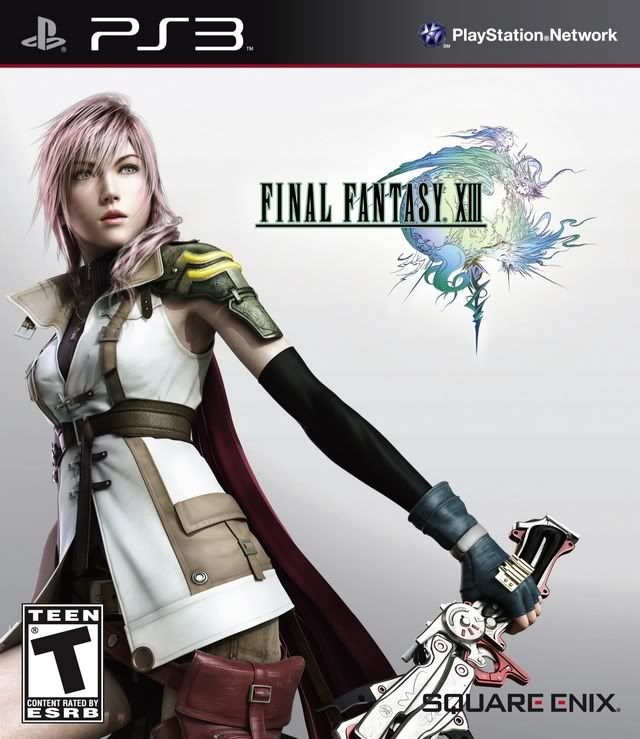
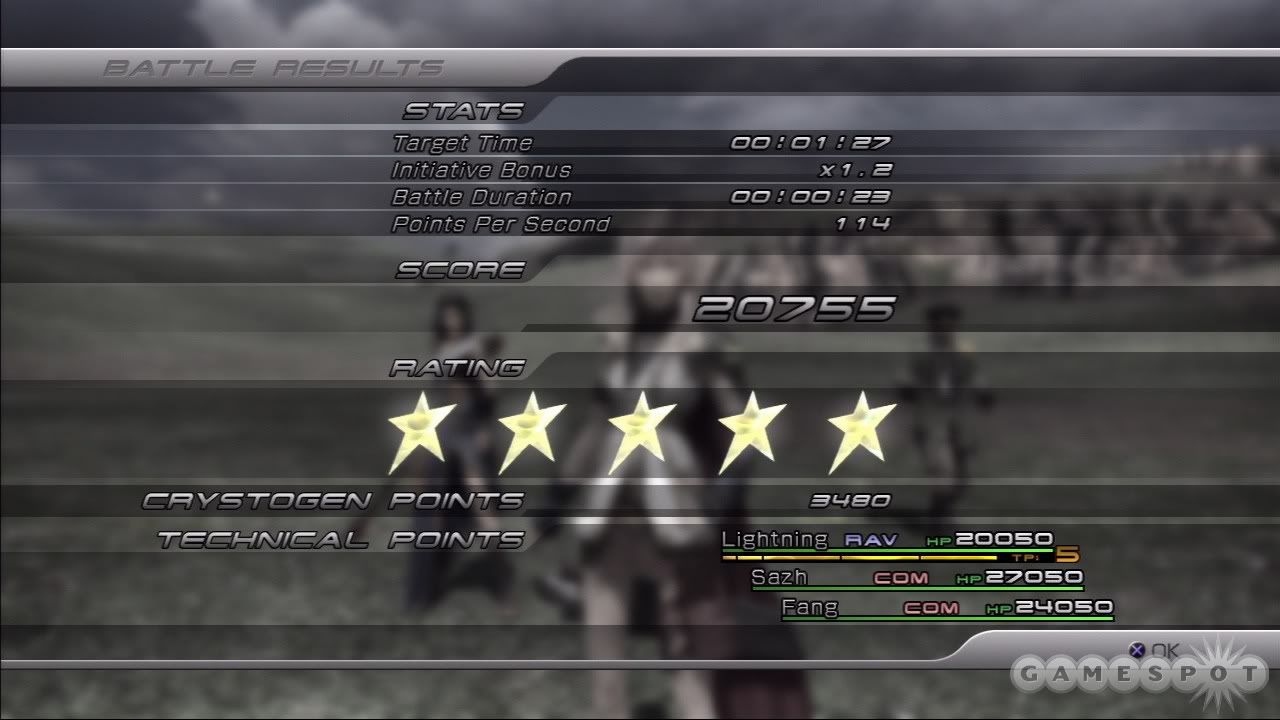
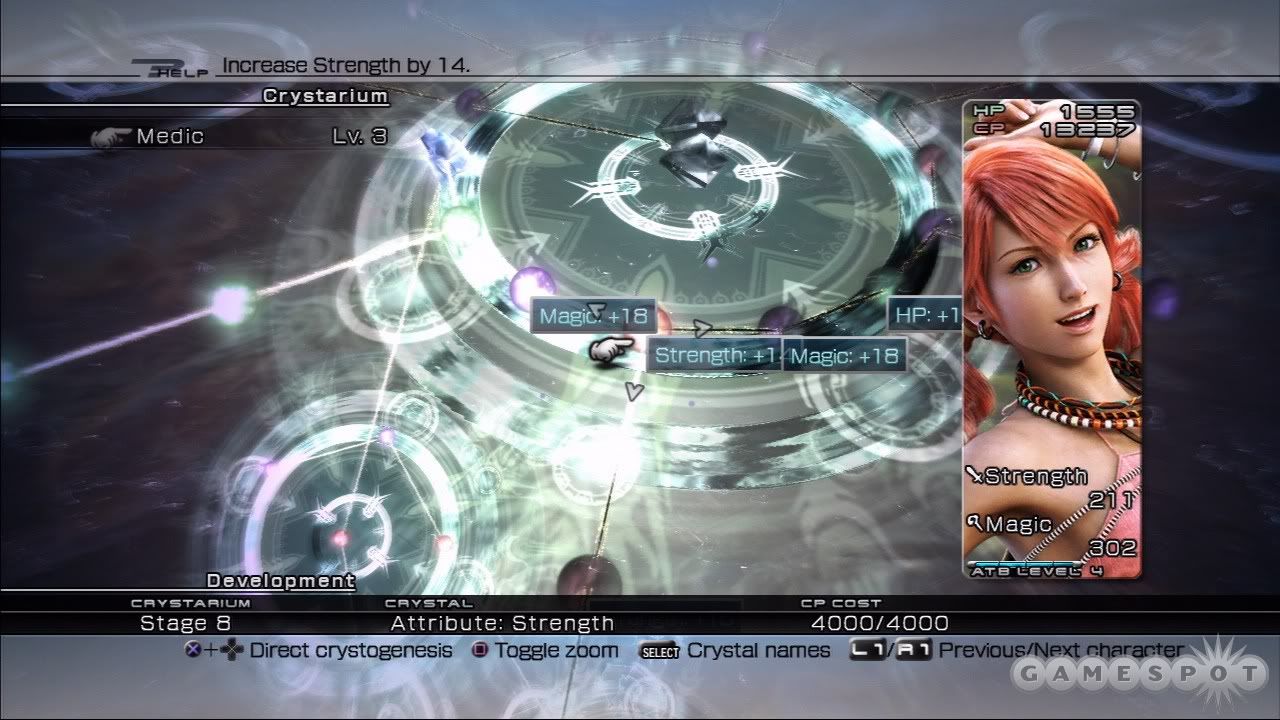
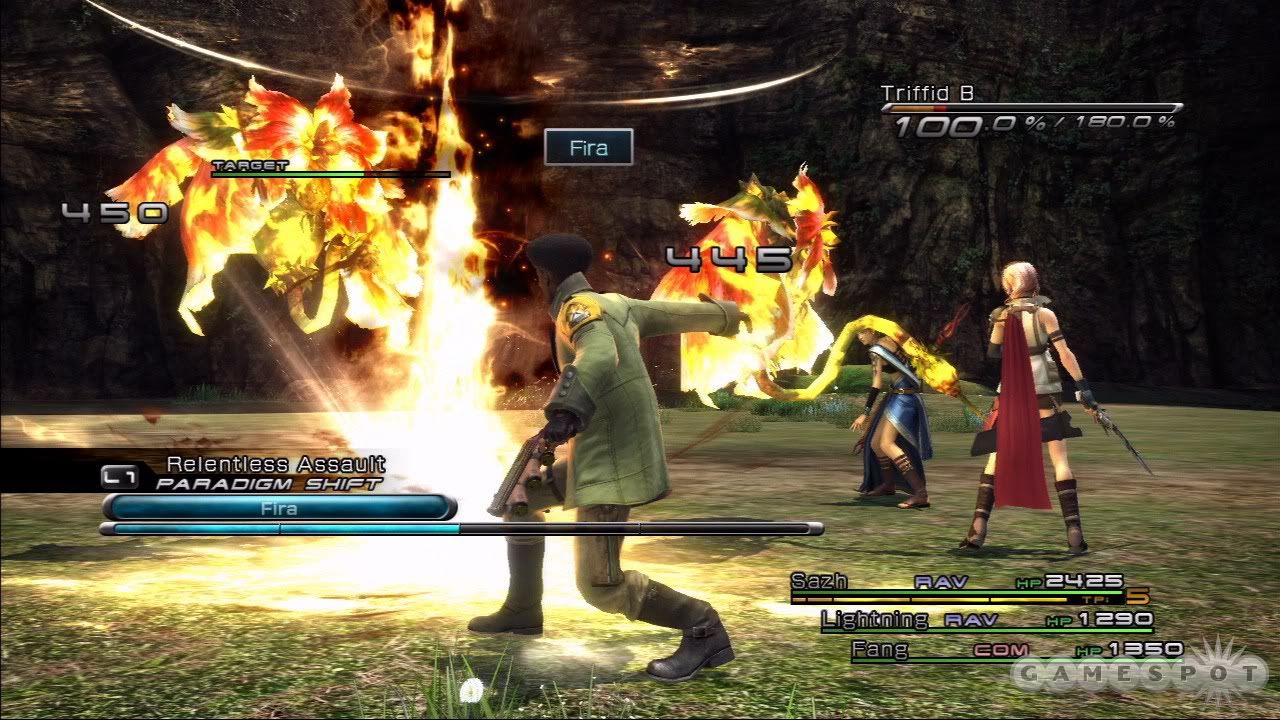
PS3-Final Fantasy XIII

Image


Image
Image
Image


Minggu, 12 Juni 2011

KING ARTHUR THE ROLE-PLAYING WARGAME


sdf


INSTALLING INSTRUCTIONS
1. Download the game above, extract and mount the image (rld-karp.iso)
2. Download Sisinstall (316KB) & place the file (sis.exe) in the following folder C:Sisinstall
3. Open a command prompt (Start – Run… (or windowskey + R), and type CMD – hit Enter)
4. Navigate to the C:sisinstall with the following command:
cd c:sisinstall
5. Update your sisinstall with the following command:
sis.exe update
6. Start unpacking the files with the following command:
sis.exe extractAll H:King Arthur – The Role-playing Wargame_disk1.sis C:GamesKing Arthur
Note: H:King Arthur – The Role-playing Wargame_disk1.sis points to the .sis files on the ISO. C:GamesKing Arthur points to the folder where the files get extracted. Please adjust this to your own needs (Virtual Device Letter: F:, E:,… and extraction folder)
7. Wait until the extraction is finished (1027 files), close the CMD window.
8. Browse to your extraction/installation folder (C:GamesKing Arthur in this example). You will find 2 maps: 24401 & 24402
9. all files & folders from inside the 24402 folder and move them to the 24401 folder. (Join all folders)
10. Copy and overwrite the crack Launcher.exe from the mounted image to the 24401 folder.
11. Play! Please leave a comment when this has helped you get it to work… Ive tried this method 3 times from clean install and works every time.
PS: If you cant launch the application, look inside the InstallUtils folder (C:GamesKing Arthur24401InstallUtils) and install the following:
- PhysX_9.09.0814_SystemSoftware.exe
- vcredist_x86_SP1.exe
- DirectXDXSETUP.exe

Sabtu, 28 Mei 2011

KING ARTHUR THE ROLE-PLAYING WARGAME


sdf


INSTALLING INSTRUCTIONS
1. Download the game above, extract and mount the image (rld-karp.iso)
2. Download Sisinstall (316KB) & place the file (sis.exe) in the following folder C:Sisinstall
3. Open a command prompt (Start – Run… (or windowskey + R), and type CMD – hit Enter)
4. Navigate to the C:sisinstall with the following command:
cd c:sisinstall
5. Update your sisinstall with the following command:
sis.exe update
6. Start unpacking the files with the following command:
sis.exe extractAll H:King Arthur – The Role-playing Wargame_disk1.sis C:GamesKing Arthur
Note: H:King Arthur – The Role-playing Wargame_disk1.sis points to the .sis files on the ISO. C:GamesKing Arthur points to the folder where the files get extracted. Please adjust this to your own needs (Virtual Device Letter: F:, E:,… and extraction folder)
7. Wait until the extraction is finished (1027 files), close the CMD window.
8. Browse to your extraction/installation folder (C:GamesKing Arthur in this example). You will find 2 maps: 24401 & 24402
9. all files & folders from inside the 24402 folder and move them to the 24401 folder. (Join all folders)
10. Copy and overwrite the crack Launcher.exe from the mounted image to the 24401 folder.
11. Play! Please leave a comment when this has helped you get it to work… Ive tried this method 3 times from clean install and works every time.
PS: If you cant launch the application, look inside the InstallUtils folder (C:GamesKing Arthur24401InstallUtils) and install the following:
- PhysX_9.09.0814_SystemSoftware.exe
- vcredist_x86_SP1.exe
- DirectXDXSETUP.exe

Jumat, 27 Mei 2011

POOL HALL PRO


Installation:
1. Unrar.
2. Install the game.
4. Copy over the cracked content located in the /Crack dir on the DVD to
your installation directory.
5. Play the game.
6. Support the software developers. If you like this game.

MAELSTROM : THE BATTLE FOR EARTH BEGINS


release date: World: 09 February 2007
play modes: single / multiplayer
multiplayer: LAN / Internet
game language: English
age requirements: 12+ | media: 1 DVD
System requirements:
Pentium 4 3 GHz,
1 GB RAM,
graphic card 256 MB (GeForce 7800 or better),
4.5 GB HDD,
Windows XP.

FATE OF HELLAS


Hardware Requirements
* OS: Windows 98, 2000, ME, XP or Vista
* CPU Type: 2.4 GHz CPU
* Memory: 1024 MB RAM
* Diskspace: 4 GB
* Graphic-Cards: NVIDIA GeForce 6 Series, ATI Radeon 8500, or similar 3D Cards
Recommended System Requirements
* CPU Type: 3 GHz CPU
* Memory: 2048 GB RAM
* Graphic-Cards: NVIDIA GeForce FX 7 Series, ATI Radeon 9 Serie, or similar 3D Cards

Minggu, 24 April 2011

AGE OF EMPIRES 3


  zsdf
df


System: AMD Althon X2 4200+ or Intel E5200
RAM: 1Gb bus 800 or 512Mbx2 bus 800
Video Memory: 7300GT DDR3 128bit
Hard Drive Space: 2000 MB
CDKey: DXR32-X44M7-CYTCX-P6H6P-97CPG
DOWNLOAD:

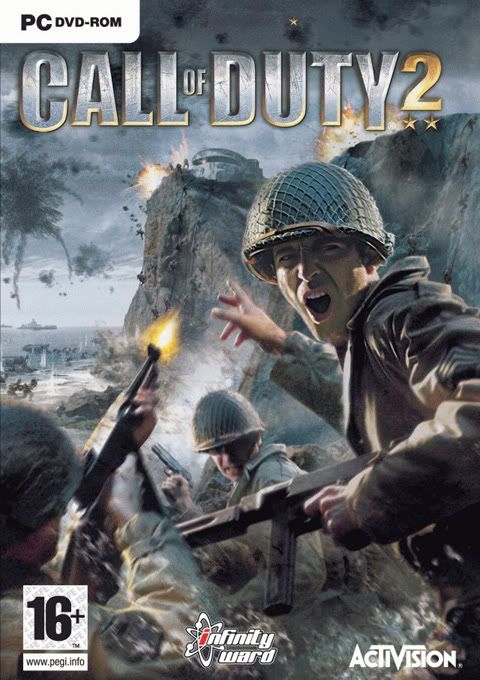
CALL OF DUTY


Minimum Requirements:
1, 4 GHz Prozessor (Celeron / Duron)
512 MB RAM
ATi Radeon 9200 / GeForce 4
Optimum Requirements
2, 5 GHz Prozessor (Athlon XP / Pentium 4)
1 GB RAM
ATi Radeon 9800XT / GeForce FX 5900
https://blogger.googleusercontent.com/img/b/R29vZ2xl/AVvXsEjTBW9_FuxfN_L9Zp0_1lhS9U6P0ubPGgIDFn4RfmDq0v89GrF6Z8_JLlo7yXBvn7CrhCUGeQVsaIQVPMptt8mW5Fnok_O0II8IlT3sUgH4hffLoCfq_w7HIqzC1dVPOlbjYLBLglYEVBda/s1600/Download+Button.jpg